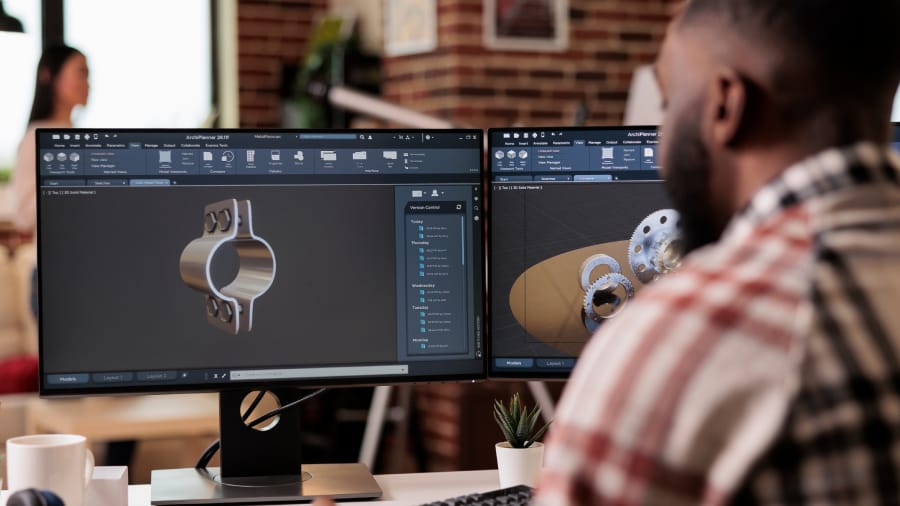
Help can usually be found through online tutorials, community forums, or professional design services if you don’t know CAD. Design assistance is offered by many 3D printing companies; your sketches or ideas will be worked with to create printable files. Time is often saved with this approach compared to learning complex software from scratch.
Fast Facts
- Design help with their first projects is needed by over 60% of 3D printing customers
- 15-20 minutes per basic skill is averaged by free CAD tutorials on YouTube
- $50-150 per custom part is typically charged for professional design assistance
- Beginner questions are answered within 2-4 hours by community forums like Reddit’s r/3Dprinting
- Basic design support is often included by local 3D printing services in Ontario
Starting Without CAD Knowledge
Months of training are assumed by most people to be needed before anything useful can be created. That’s not quite accurate anymore. Drag-and-drop tools like Tinkercad can handle simple design tasks; it was built specifically for beginners. Her students create functional designs within their first hour of using it, a local teacher in St Catharines recently told us. Web browsers run the software entirely, so complex installations aren’t needed.
Free Learning Resources That Actually Work
Nearly every CAD topic you can imagine is covered by YouTube tutorials. Lars Christensen’s Fusion 360 series gets mentioned frequently in forums because things are explained by him step by step. The videos are usually 10-20 minutes long; real projects are focused on rather than abstract concepts. Plus, the same techniques are shown multiple times by many channels, which helps when specific steps are being remembered by you. Evening CAD classes that cost around $200-300 per semester are also offered by community colleges across Ontario.
Getting Professional Design Help
Sometimes working with someone who already knows the software involves the fastest path. Basic parts are typically charged $25-75 by freelance designers on platforms like Fiverr, depending on complexity. Your sketches, photos, or even rough descriptions will be worked from by them. Hand-drawn sketches of a custom bracket were recently sent to us by a startup founder we worked with, and printable files were ready within two days. Basic design assistance is often included by local 3D printing services as part of their workflow.
Community Support and Forums
Surprisingly helpful guidance for beginners is provided by online communities. Questions are answered quickly by Reddit’s r/3Dprinting and r/Fusion360 communities, usually within a few hours. Their project files are shared by people, which can be downloaded and modified for your own needs. Active sections where newcomers are helped by experienced users to troubleshoot specific problems are also maintained by the Autodesk forums. From what we’ve seen, most questions about basic shapes and simple modifications get answered pretty thoroughly.
Working with Local 3D Printing Services
Design assistance is offered by many 3D printing companies because great ideas don’t always come with technical skills, something they understand. Customers are guided through the design process regularly by us, starting with their sketches or concepts and creating printable files. Better results are often produced by this collaborative approach than trying to learn complex software under time pressure. Design consultation is typically included by local services in St Catharines and across Ontario as part of their custom printing packages.
Choosing the Right Approach for Your Project
Beginner-friendly software and online tutorials work well with simple parts like phone cases or basic brackets. Professional design assistance is usually benefited by complex mechanical assemblies or precision-fitted components. The time investment varies significantly; several weekends might be taken by learning basic CAD skills, while your files can be ready within days when a designer is hired. Budget considerations matter too, since upfront costs are involved with professional help but learning time is saved. The gap can be bridged by educational workshops through teaching specific skills you need for your project. Interesting how that works.
Making Your Ideas Real
Becoming a CAD expert overnight isn’t necessarily the goal. Finding the most practical path from your concept to a physical object is what it’s about. Whether that involves learning basic software skills, working with online communities, or partnering with local design services depends on your timeline and project complexity. These approaches are combined by many successful inventors and small business owners; simple modifications are learned while complex design work is outsourced. Ready to turn your ideas into reality? Our website can be visited to explore how your concepts can be brought to life through our design assistance.
Mini-FAQ
Q: What’s the easiest CAD software for complete beginners? Tinkercad gets recommended most often because it runs in your browser and uses simple drag-and-drop tools. Downloads aren’t needed. Students and hobbyists who want quick results were considered when the interface was designed.
Q: Can I hire someone to design my part instead of learning CAD myself? Platforms like Fiverr or Upwork are used by many freelance designers for $25-100 per project. Design services are also offered by local 3D printing shops. Sketches or photos are sent by you, and the CAD files are created by them.
Q: How long does it take to learn basic CAD skills? Look, it depends on what you’re trying to make. A weekend might be taken to figure out simple boxes or brackets. Several months are usually required for complex mechanical parts with moving pieces. Basic shapes are where most people start; from there, they build up.
Q: Are there any free resources that actually work for beginners? Funny enough, thousands of step-by-step CAD tutorials that walk you through real projects are hosted by YouTube. Free licenses for personal use are offered by Fusion 360. Tinkercad is completely free and basic designs are handled well by it.